
Skip to content

ETS6 ADD-IN · CERTIFIED BY THE KNX ASSOCIATION

Artificial intelligence for KNX – right inside your ETS.

ETSpilot is an add-in for the ETS – the software you use to plan and commission KNX installations. You write what needs to happen in plain sentences. Creating rooms, adding devices, generating group addresses, setting parameters, documenting: ETSpilot does it in your open project – and asks before every change.

  • Runs inside your ETS
  • Your own API key
  • Servers in Germany
Product video goes here Short recording from the ETS: type the request, review the proposal, let it run.

IN PLAIN WORDS

What ETSpilot is and what it takes off your hands.

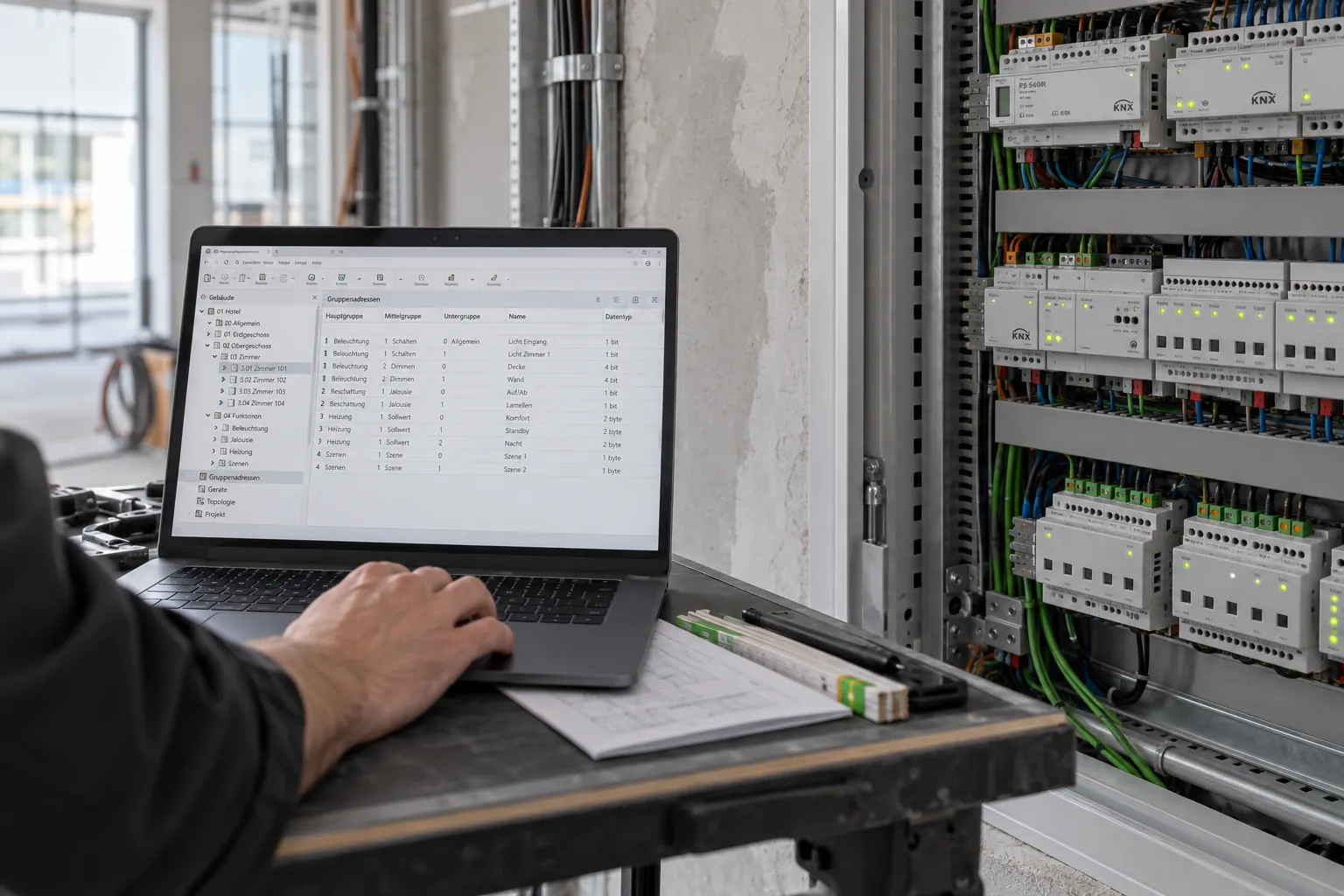
The ETS is the KNX Association's software used to plan, configure and commission every KNX installation. It can do everything – but it does nothing for you. Every room, every device, every group address and every single parameter is entered by hand. In a mid-sized family home that quickly adds up to several hundred entries.

ETSpilot is an add-in: an extension for the ETS. It has passed the KNX Association's approval process, is certified there as an ETS App and is installed from within the ETS. After that it appears as an additional window in the ETS you already know. Nothing to relearn, nothing to export, no second program to operate alongside.

Into that window you write what you need – the way you would say it to a colleague: „On the ground floor, create kitchen, hallway and bathroom, each with a ceiling light and a presence detector.“ ETSpilot reads along in your open project, understands the task and works through it. No commands, no syntax, no templates.

And the part that really matters: before anything is written to your project, ETSpilot shows you what it intends to do – line by line. You approve, adjust or reject. Nothing happens behind your back.

ETSpilot · ETS6

Create a bathroom on the first floor and plan the lighting with a dimmer.

I have created the bathroom on the first floor and prepared the lighting. For the dimmer I suggest a 4-fold dimming actuator – it leaves headroom for a mirror light and a night light.

Actions performed — 4 of 4 successful

  • Room “Bathroom” created under “First floor”
  • Device “AKD-0401.02 dimming actuator, 4-fold” added (1.1.14)
  • Group address “Bath ceiling light switching” created: 1/2/7
  • Group address “Bath ceiling light dim value” created: 1/4/7
  • Officially certifiedNot a third-party tool: ETSpilot is an add-in reviewed and certified by the KNX Association, available in the KNX Shop and installable straight from the ETS.
  • It understands ordinary sentencesYou describe the goal, not the path. Type it or dictate it – both work.
  • It actually does the workIt does not just explain how it could be done. It creates, links, configures and documents on its own.
  • You stay in controlEvery write operation is shown beforehand and logged individually. With a backup first, if you want one.

WHERE THE TIME GOES

The work nobody will miss.

Creating, naming and linking hundreds of group addresses by hand.

Group addresses in seconds

ETSpilot recognises your project's conventions and creates the addresses to the same pattern – including the link to the matching communication objects.

Hunting for parameters in foreign-language product data, channel by channel.

Parameters without the manual hunt

Ask in plain language what a channel should do. ETSpilot finds the parameter, shows the permitted values and writes it – for many channels at once, too.

Documentation that gets caught up at the end of the project. Or not.

Documentation as you go

Descriptions, completion status and project history come about while you work, not afterwards.

Screenshot: group addresses from a single request Naming and address ranges follow the pattern already used in the project.

HOW IT WORKS

Describe. Review. Execute.

The second step is the important one: you see what is supposed to happen before anything happens.

1

Describe

Say in plain language what you want to achieve – typed or dictated. ETSpilot reads along in your open project.

2

Review and confirm

Before every write operation, ETSpilot presents what it intends to do. You approve, adjust or reject. On request, a project backup is created first.

3

Execute

ETSpilot works in the project and logs every action individually – traceable, with a result for each step.

Screenshot: the confirmation dialog before writing Every planned change listed individually – approve, adjust or reject.

CAPABILITIES

What ETSpilot takes on in the project.

From the empty project to commissioning – wherever work repeats itself.

Plan and structure

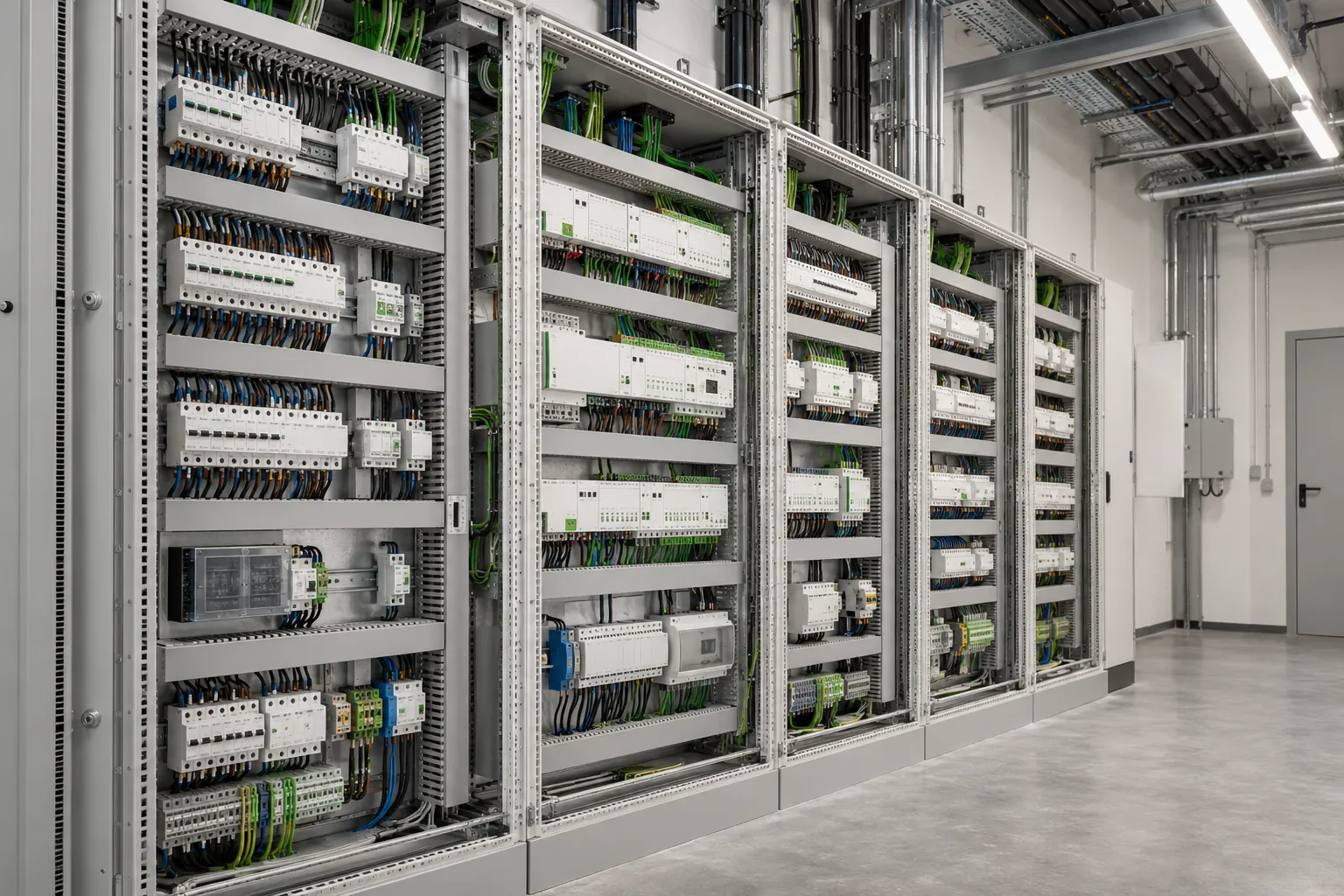
Build up building structure and topology, create rooms, assign devices. From a photo of the distribution board, too.

Find products

Search the product catalogue for suitable devices, compare them and insert them with the right application program.

Group addresses

Create, name and link addresses according to your project's conventions. For an entire trade at once, if you like.

Set parameters

Set device parameters, show permitted values, handle several channels in one pass – with a review before writing.

Commissioning and bus

Keep an eye on programming status, follow the bus monitor, program devices.

Documentation

Maintain descriptions, completion status, tasks and project history. Search the planning documents in the project folder.

Reconstruct existing installations

Installation runs, project file missing? ETSpilot reads out the bus, matches products and recovers group addresses and links.

Read in project documents

Upload the bill of quantities, quotation, room schedule or electrical plan. ETSpilot adopts the designations and specifications exactly as they appear there.

Answer questions about the project

Datapoint types, flags, filter tables, troubleshooting: ETSpilot explains the connections in your actual project rather than in general terms.

Screenshot: chat panel docked in the ETS6The assistant sits as a window next to your open project.
Screenshot: action list with group addressesEvery step with its result, logged individually and traceable.

RECONSTRUCTION

The installation runs. The project file is gone.

The classic case in existing buildings: everything works, but the ETS file has disappeared, is out of date or was never clean. Until now that meant starting over. Instead, ETSpilot rebuilds it for you from what is still there.

  • Read out the bus: ETSpilot determines which devices are actually installed and matches them with the right products from the catalogue.
  • Group addresses and links are recovered from the devices and brought into a comprehensible structure.
  • Meaningful names instead of bare addresses – from your documents, your input or from what the installation reveals about itself.
  • The result is an ETS project you can carry on working with. Instead of a black box nobody wants to touch.
Screenshot: reconstructing an existing installationDevices read out, products matched, links recovered.

PROJECT DOCUMENTS

Upload your documents – ETSpilot sticks to them.

Quotation, bill of quantities, room schedule, electrical plan, customer e-mail: whatever you upload becomes binding input for everything ETSpilot creates. You do not have to type the specifications a second time.

  • PDF, Word, Excel, text and images – including photos of the distribution board or of handwritten notes.
  • Room designations, numbering and trades are adopted exactly as they appear in your documents.
  • Parts list from the quotation? ETSpilot works with precisely those devices – and speaks up when something is missing or contradictory.
  • The documents stay attached to the project and are available again for every later question.
Screenshot: uploaded project documentsPDFs, spreadsheets and photos – as binding input for the project.

REWORKING WHAT EXISTS

Reworking is the harder half of the job.

An empty project fills up quickly. It gets laborious once something is already in place and the requirements change: a different address scheme, different lines, different devices. ETSpilot takes on exactly those changes – without you starting the project over.

Change the address scheme

Move group addresses into a new order: re-cut the ranges, relocate addresses, rename them. The links to the communication objects stay intact.

Carry a solution over to more rooms

Take what is finished in one room to the next ones – with matching addresses and names, not a copy that is called the same everywhere.

Change lines and media

Move devices to other lines, create new areas and lines, switch the medium of a line – from TP to RF or IP, for instance.

Combine and split

Turn eight single actuators into one multi-channel actuator in the distribution board. Or the other way round: turn a six-fold rocker for lighting, blinds and heating into three separate control points.

Multiply control points and sensors

One push button becomes three at different doors, one temperature sensor becomes several in the room – with the same functions and the same links.

Adjust parameters later

Whatever only shows up on site: normally closed instead of normally open, different travel times, changed channel functions – in one pass across every device concerned.

Approval matters most when reworking: Before anything in the existing project is changed, you see the complete list of changes in plain language. Whatever ETSpilot cannot assign unambiguously is named and left out – not guessed.

EXAMPLES

One sentence from you – and what comes of it.

Four typical everyday tasks. On the left is what you write. On the right, what ETSpilot puts before you for approval.

You write

„Ground floor: kitchen, dining, living, hallway, guest WC. Ceiling light everywhere, plus a presence detector in the hallway and the WC.“

ETSpilot proposes

  • 5 rooms created under “Ground floor”
  • 5 channels assigned and named on the existing switching actuator
  • 2 presence detectors inserted and assigned to the rooms
  • 12 group addresses created and linked to the communication objects

Structure, naming and address ranges follow the pattern already used in your project.

You write

„Set all blind actuator channels to blind type venetian and travel time 60 seconds.“

ETSpilot proposes

  • 3 blind actuators found with 24 channels in total
  • Parameter “Blind type” set to “Venetian blind with slats” (24 channels)
  • Parameter “Travel time up/down” set to 60 s (24 channels)
  • 2 channels skipped: an awning is configured there – flagged for review

Anything ambiguous is not changed silently; it is put before you.

You write

„Here is the bill of quantities as a PDF. Build the building structure from it.“

ETSpilot proposes

  • Bill of quantities read: 3 floors, 21 rooms, 14 items
  • Building structure created with the room numbers from the BoQ
  • Devices from the parts list assigned to their respective distribution board
  • 2 queries: item 7 names no make, room 1.14 is missing from the plan

Contradictions between documents and project are named, not papered over.

You write

„Why doesn't the light in the bathroom switch? Take a look at it.“

ETSpilot proposes

  • Group address 1/2/7 checked – linked to push button and actuator
  • Bus monitor followed: the telegram arrives, the actuator does not respond
  • Programming status of actuator 1.1.14: not programmed
  • Proposal: load the application program – waiting for your confirmation

While investigating, nothing but reading takes place. Writing or programming only happens once you agree.

Examples from practice, shown in abbreviated form. What ETSpilot actually proposes depends on your project, your documents and the AI model you choose.

REMOTE CONTROL FROM YOUR PHONE

The ETS in your pocket – your computer stays at the distribution board.

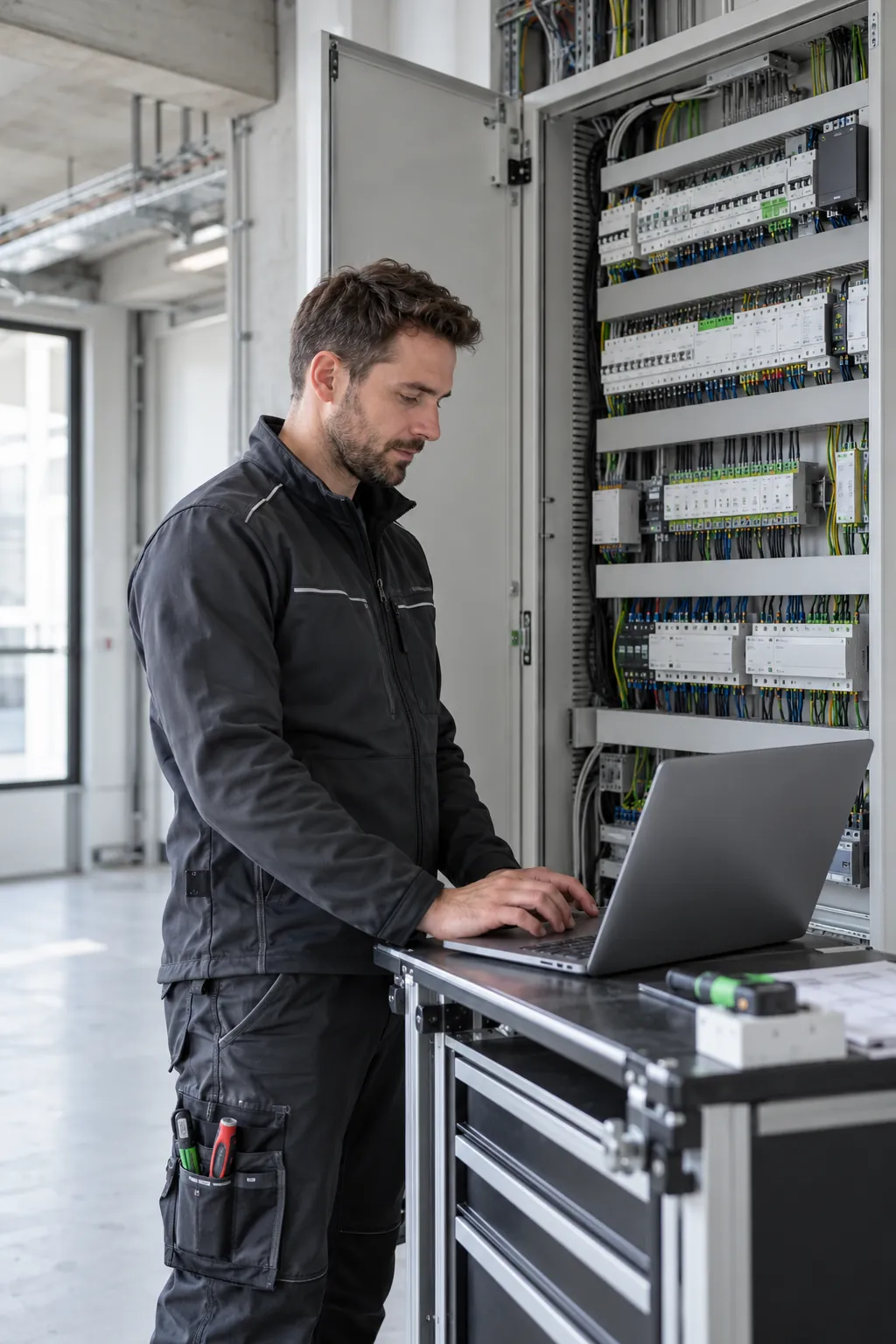
The feature that saves the most in day-to-day work: pair your phone with the running ETS via QR code and keep operating it from anywhere in the building.

Commissioning otherwise means: over to the distribution board, program, back into the room, check, over to the board again. In a larger building that adds up to kilometres over the course of a day. Pairing removes the walking: you stand in the room, talk to the customer, enter the change on your phone – and the ETS at the distribution board carries it out.

  • No app installation. The QR code in the ETSpilot panel opens a secured page in your phone's browser. Nothing to install, nothing to set up.
  • Full scope of functions. It is the same assistant as on the computer: create, configure, program, document. Not a stripped-down second version.
  • Bus monitor live in your hand. Telegrams run on your phone in real time. You see on the spot whether the push button sends and the actuator responds – no second person at the computer.
  • Act on customer requests right away. “The light should come on dimmed” – you say it into your phone, review the proposal and approve it while you are still standing in the room together.
  • Securely paired. The connection applies only to your running session, is encrypted and ends as soon as you close the ETS or unpair.
1/2/71
1/4/780 %
2/1/321.5 °C
1/2/90
Switch on the bathroom ceiling light as a test.
Screenshot: QR code for pairing your phoneScan it, the page opens in your browser – done.
Screenshot: ETSpilot on a smartphoneThe same assistant, the same scope, just on the move.

AI MODELS

Which model you should choose.

ETSpilot works with your own account at Anthropic, OpenAI or Azure. Which model you select there largely determines the quality of the results – and with a KNX installation that is not something to leave to chance.

Limited

Smaller and older models

e.g. Haiku, Mini, earlier generations

Technically usable and cheaper, but not recommended. They abandon multi-step tasks more often, miss connections within the project and deliver proposals you have to check far more closely. Fine for short questions, not for real project work.

Why this matters so much: ETSpilot does not hand the AI ready-made commands – it has to decide for itself which tools to use in which order. That is exactly where strong and weak models differ. You pay the cost directly to your provider: a strong model costs a few cents more per task and saves you the rework.

UNDER THE HOOD

What happens between your sentence and the finished group address.

Six steps, none of them magic – and the last one is yours. If you want to know which data goes where, here is the answer.

1

Your request in the ETS add-in

You type or dictate your task in the ETSpilot window. At the same time the add-in reads the state of your open project – building structure, devices, existing addresses – so that your request has any context at all.

Your computer · ETS 6
2

Encrypted to our server

The request goes to our server in Germany. Data categories you have blocked for this project are removed beforehand and do not leave your computer. Only the excerpt relevant to the task is transmitted – never the project file.

Server in Germany
3

Enriched with ETS and KNX knowledge

This is where everything a general AI model does not know is added: the rules of the ETS, KNX datapoint types and flags, conventions for group addresses, stored manufacturer knowledge on specific actuators and sensors – and the description of every tool the add-in can offer inside the ETS.

Knowledge base + tool catalogue
4

The AI model decides

Only now does the enriched request go to the model of your choice, via your own account. It receives no ready-made commands, but a toolbox and the task. Which tool makes sense in which order is for the model to decide – and it asks back when something is unclear.

Claude · GPT · Azure
5

The add-in provides the ETS tools

The answer is not prose but a sequence of tool calls: create room, insert device, set parameter, link group address. Our add-in translates them into calls to the official ETS interface. That is the only route by which anything reaches your project.

ETS add-in · official interface
6

You approve, then it runs

Before the first write call is executed you see the complete list in plain language. You approve, adjust or reject. After that the add-in works through the list and logs every step with its result.

Your computer · your decision
Diagram: the journey of a requestFrom input through knowledge enrichment to execution in the ETS.
Reading is not writing: Everything ETSpilot merely looks at – project structure, parameter values, bus telegrams – goes through without a prompt. Confirmation applies precisely where something is changed.

SECURITY AND DATA PROTECTION

Will this wreck my project? And where does my data end up?

Two fair questions. Here are the answers – without the marketing haze.

Certified ETS6 add-in

ETSpilot has passed the KNX Association's approval process and works inside the ETS via its official interfaces – not as outside access alongside it.

Nothing is written without approval

Every write operation is put before you in plain language beforehand and logged individually afterwards. On request ETSpilot creates a project backup first.

Your own API key

You store your account with Anthropic, OpenAI or Azure. The requests run under your contract: full cost control, no lock-in to one provider.

You decide what is transmitted

For each project you can block which data categories must never leave the computer – security keys, serial numbers or customer data, for example. Anything blocked is removed before sending.

No training data

Your project data is not used to train AI models. We do not pass it on and do not analyse it; the providers likewise exclude training via their business accounts.

Operated in Germany, GDPR compliant

Servers and data storage in Germany. You can request information, export and delete your data yourself in the portal at any time – no support request, no waiting.

What exactly is transmitted to the AI

For the AI to be able to help, it needs excerpts from your project: building structure, device designations, group addresses, parameter names. Only the excerpt relevant to the task at hand is ever transmitted – never the entire project and never simply the project file. Anything you have blocked is removed beforehand. The connection is encrypted end to end.

Read the privacy policy

Screenshot: privacy settings per projectThis is where you decide which data must never leave your computer.

FOR MANUFACTURERS

So that the AI uses your devices correctly.

A general AI model does not know your products. It knows the term “dimming actuator”, but not the logic of your application program, not the dependencies between your parameters and not the recommendation on page 47 of your manual. That is exactly the gap we close – together with you.

Store product knowledge

We add the manuals, application descriptions, data sheets and application examples for your devices to the knowledge base. ETSpilot draws on them when setting parameters – in the wording of your documentation rather than a loose paraphrase.

Parameter logic instead of guesswork

Which parameters depend on each other, which channel modes exist, which values make sense in practice: what you give us becomes rules the assistant abides by. The result fits your device, not a generic one.

Templates for typical applications

Staircase lighting, constant light control, shading based on the position of the sun, individual room control: we store your recommended implementation as a template. The integrator gets the solution you would recommend yourself, on the first attempt.

Less support, more specifications

Devices that can be commissioned quickly and without errors get specified more often and generate fewer queries to your hotline. On request we analyse which questions are being asked about your devices at all – a direct view of practice.

Your documents remain your documents

Only material you release for the purpose is stored. None of it feeds the training of third-party AI models; it serves as a reference at runtime and can be removed again at any time.

Testing before release

Before knowledge about your devices goes live, you check against real project tasks whether ETSpilot uses your product the way you intended. Publication only follows after that.

Your devices in ETSpilot

You build KNX devices and want your products to be understood and used correctly in the ETS? We set up the knowledge base for your range, agree the scope with you and show you the result using your own use cases.

Contact for manufacturers

Screenshot: stored manufacturer knowledge in actionParameter proposal with a reference to the device's original documentation.

OUTLOOK

What this means for working with KNX.

ETSpilot is not a chatbot with a KNX coat of paint, but an attempt to delegate the engineering of a bus system to an AI without giving up control. Four observations from practice so far.

The barrier to entry drops, the quality does not

The ETS is powerful and hard to learn. A large part of the work consists of knowledge about conventions, not of electrical engineering. When that knowledge sits in the tool, more companies can offer KNX – and installations become more consistent, because the conventions are applied rigorously for the first time.

From clicking to describing

Engineering shifts from operating an interface to describing a goal. The integrator does less entering and more reviewing. That does not replace work, it raises the share of value-adding work – and makes the profession attractive to newcomers again.

Existing installations become accessible again

Tens of thousands of KNX installations run without a usable project file and are therefore effectively frozen: every change is expensive, every extension often uneconomical. Automated reconstruction makes that installed base modifiable again – a lever for energy management and retrofitting that has so far failed on documentation.

Open questions we are working on

How do you demonstrate that AI-assisted engineering complies with standards? How do you log decisions so that they are still comprehensible in ten years? How does the approach behave with installations using KNX Secure? We consider these questions more important than any feature list – and are happy to discuss them.

Who we are building this for.

Electrical & integration

You plan and commission KNX

Less clicking, clean documentation, faster commissioning – and a way back into existing installations without a project file.

See the features

Device manufacturers

You build KNX products

We store your product knowledge so that ETSpilot uses your devices the way you intended – verifiable before release.

For manufacturers

Research & press

You are looking at this from the outside

We provide test accounts, image material and people to talk to, and answer technical questions about the architecture openly.

Get in touch

FREQUENTLY ASKED QUESTIONS

Answered briefly.

Is there really an AI for the ETS?

Yes. ETSpilot is an add-in for the ETS 6 certified by the KNX Association. It runs as a window inside the ETS and works directly in your open project via its official interfaces – it is not a separate program and not an export-import detour.

Can artificial intelligence program KNX?

Engineering yes, and completely so: building up the building structure, inserting devices from the product catalogue, creating and linking group addresses, setting parameters, documenting. Programming the devices over the bus can be triggered as well. What the AI does not do: change anything on its own authority – every write operation is put before you for approval first.

How much does this simplify working with the ETS?

Most clearly wherever work repeats itself: group addresses for an entire trade, parameters across many channels, building structure from a bill of quantities, documentation. Tasks that mean an hour of clicking in the project come down to one sentence and a review of the proposed list.

Which ETS version do I need?

ETS 6 in the 64-bit edition. The ETS is a Windows application; ETSpilot runs wherever the ETS runs – including in a Windows environment on a Mac.

Which AI models are supported?

Anthropic (Claude), OpenAI (GPT) and Microsoft Azure AI Foundry. You store your own account details and settle the cost directly with the provider. Claude Opus and ChatGPT 5.6 are recommended; smaller models work but deliver noticeably weaker results.

Is my project data used for training?

No. Your project data does not feed into the training of AI models. We do not analyse it and do not pass it on; the providers likewise exclude training via their business accounts. In addition, you can define per project which data categories must never leave your computer.

Can ETSpilot damage my project?

Before every write operation the planned changes are put before you in plain language and you decide. On request ETSpilot creates a project backup beforehand, and every action performed is logged individually. Read operations – viewing the structure, checking parameters, following the bus – run without a prompt.

Does this also work with existing installations that have no project file?

Yes, that is what reconstruction is for: ETSpilot reads out the bus, matches the devices it finds with the right products and recovers group addresses and links. The result is an ETS project you can carry on working with.

Do I have to learn how to talk to an AI?

No. You describe the task the way you would say it to a colleague. There are no commands, no syntax and no keywords. If something is unclear, ETSpilot asks instead of guessing.

What does ETSpilot cost?

You obtain the add-in itself through the KNX Shop under ETS Apps. You settle AI usage directly with your own provider account – that keeps you in control of costs and tied to no single provider.

GETTING STARTED

Ready to go in three steps.

1

Obtain the add-in

ETSpilot is available in the KNX Shop under ETS Apps. After purchase you install it straight from the ETS.

To the KNX Shop

2

Create an account

In the portal you sign in with your e-mail address and store your API key. You do not need a password.

To the portal

3

Get going

Open a project in the ETS, expand the panel, ask your first question. A welcome assistant guides you through the rest.

Try it on a real project.

ETSpilot makes its case fastest on the work you have in front of you anyway.

ETSpilot is in public beta. The scope of functions can be used productively; individual features may still change.